 86 13392660243
 hope17@cnhopestar.com
 whatsapp
How to Integrate Meeting Reservation Tablets with Google Calendar and Outlook: Why Calendar Integration Matters for Modern Workplaces
 2025-12-12
 Hopestar
In today’s rapidly changing work environment, organizations are adopting hybrid schedules and flexible meeting spaces, making the management of shared resources increasingly complex. Many offices still rely on outdated tools such as whiteboard schedules or spreadsheets, which fail to reflect real-time room availability. This often leads to double bookings, no-shows, and inefficient workflows.
A meeting reservation tablet becomes significantly more valuable when integrated with cloud-based scheduling tools like Google Calendar or Microsoft Outlook. When combined with these platforms, it turns room booking into a fully automated, synchronized process. For companies operating across multiple floors, buildings, or even regions, calendar-connected office scheduling displays provide the accuracy and consistency necessary for seamless operations.
Understanding the Core Technology Behind Calendar-Connected Room Displays
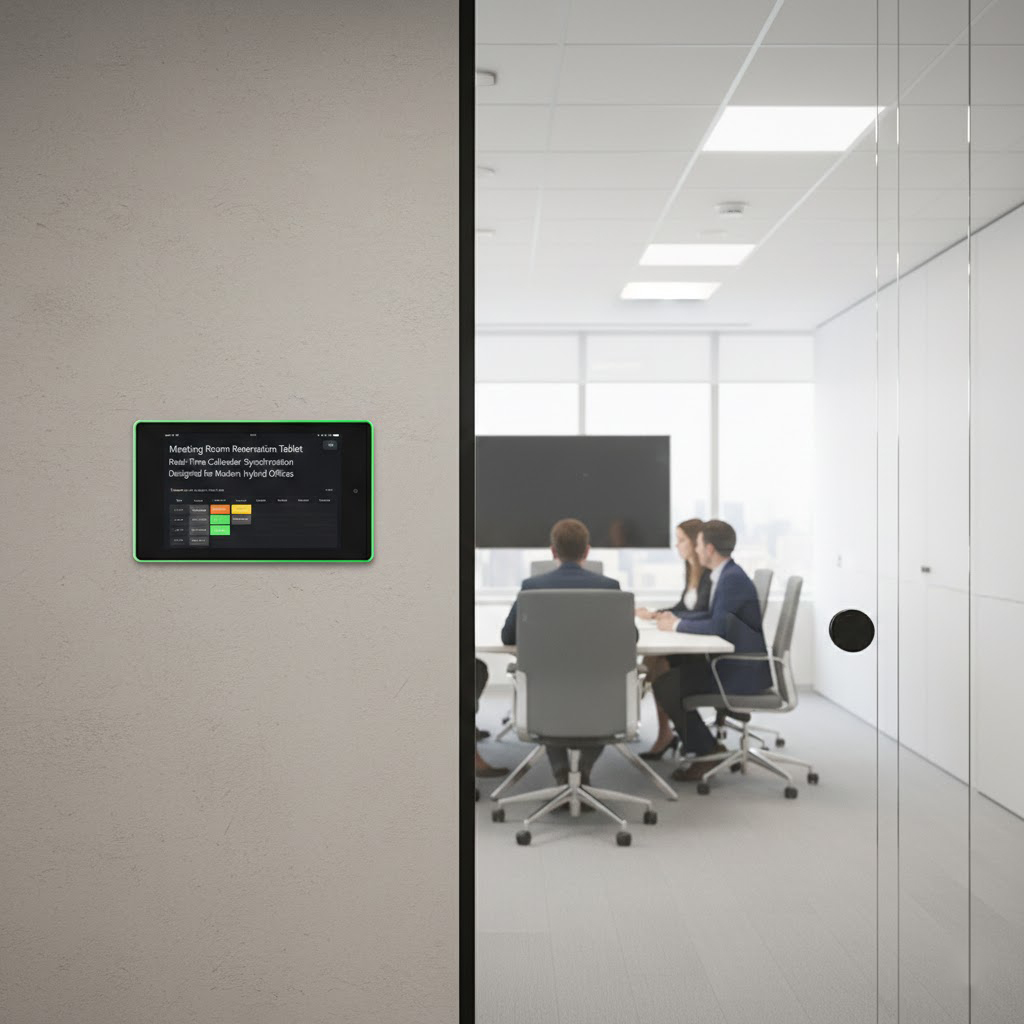
A modern meeting room booking tablet typically connects to enterprise scheduling systems using secure API protocols, ensuring that every booking, cancellation, or meeting extension made through a workstation or mobile device is reflected instantly on the conference room booking display.
Key technologies enabling this integration include:
Google Calendar API and Microsoft Graph API
OAuth 2.0 authentication for secure login
Real-time synchronization services to push room status updates
Cloud-based device management for IT teams
Smart office management firmware optimized for enterprise environments
When all these components are working together, the meeting reservation tablet becomes a live “window” into each room’s schedule, enhancing communication, transparency, and operational efficiency across teams.
How Google Calendar Synchronization Works
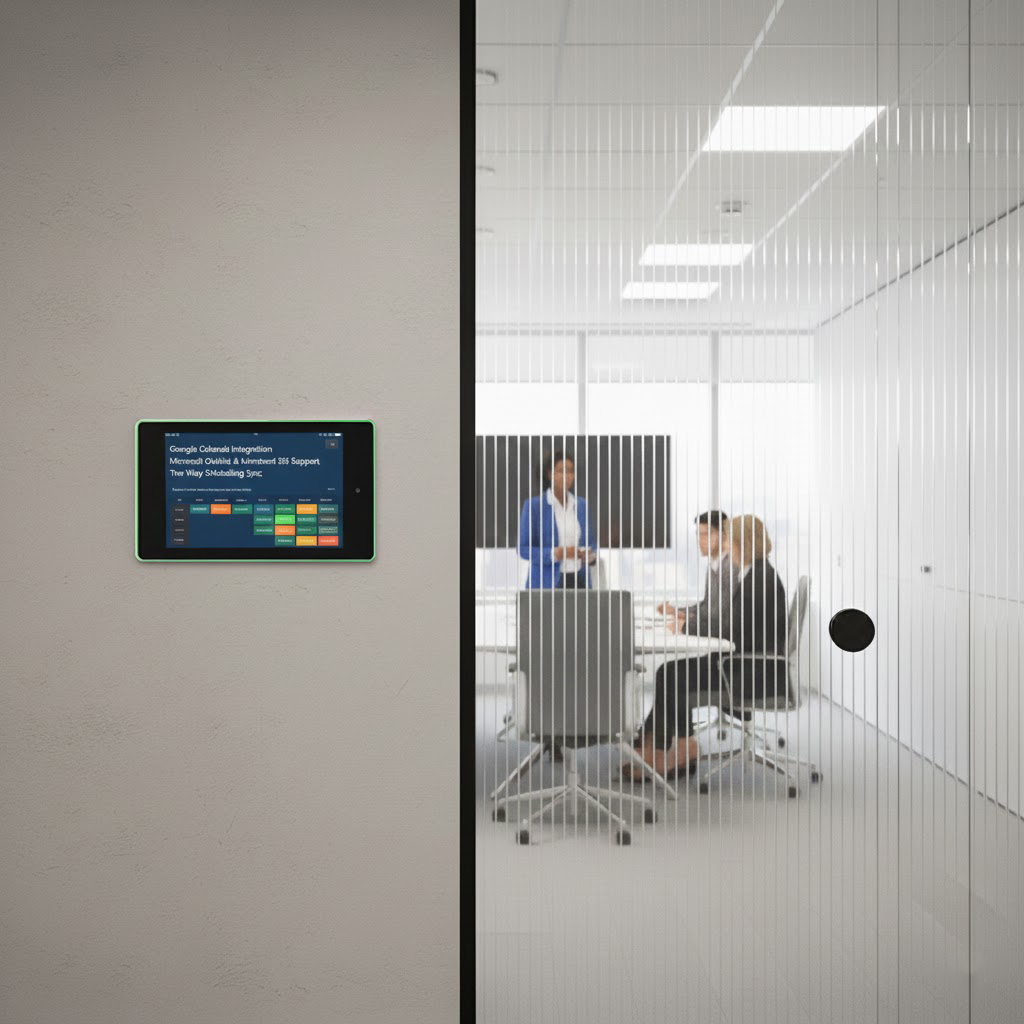
For organizations using the Google Workspace ecosystem, enabling Google Calendar integration with a meeting tablet is a straightforward process. IT administrators can create a resource calendar representing each meeting room. The meeting room reservation tablet then securely connects to this resource using OAuth login.
With Google Calendar sync enabled, users can:
View real-time room availability
Book rooms directly on the tablet
Modify or cancel meetings from their desktops or mobile devices
Trigger auto-release of rooms after a no-show
Display color-coded room status indicators
Since Google Workspace updates in real time across devices, the Google Calendar-connected room display becomes a central hub for both pre-scheduled and impromptu meetings.
Outlook and Microsoft 365 Integration for Enterprise Environments
For enterprises that rely on Microsoft 365, there is deep compatibility between Outlook and modern room booking tablets. Through the Microsoft Admin Center, IT teams can assign each conference room a Room Mailbox.
The tablet then authenticates through Microsoft Graph API, allowing:
Two-way scheduling synchronization
Auto-check-in features for rooms
Meeting confirmation prompts
Room auto-release if the meeting isn’t confirmed
Display of Outlook room booking details such as the organizer, duration, and occupancy rules
For larger organizations, this integration supports compliance requirements, audit trails, and unified visibility across office branches.
Practical Setup Guide for IT Administrators
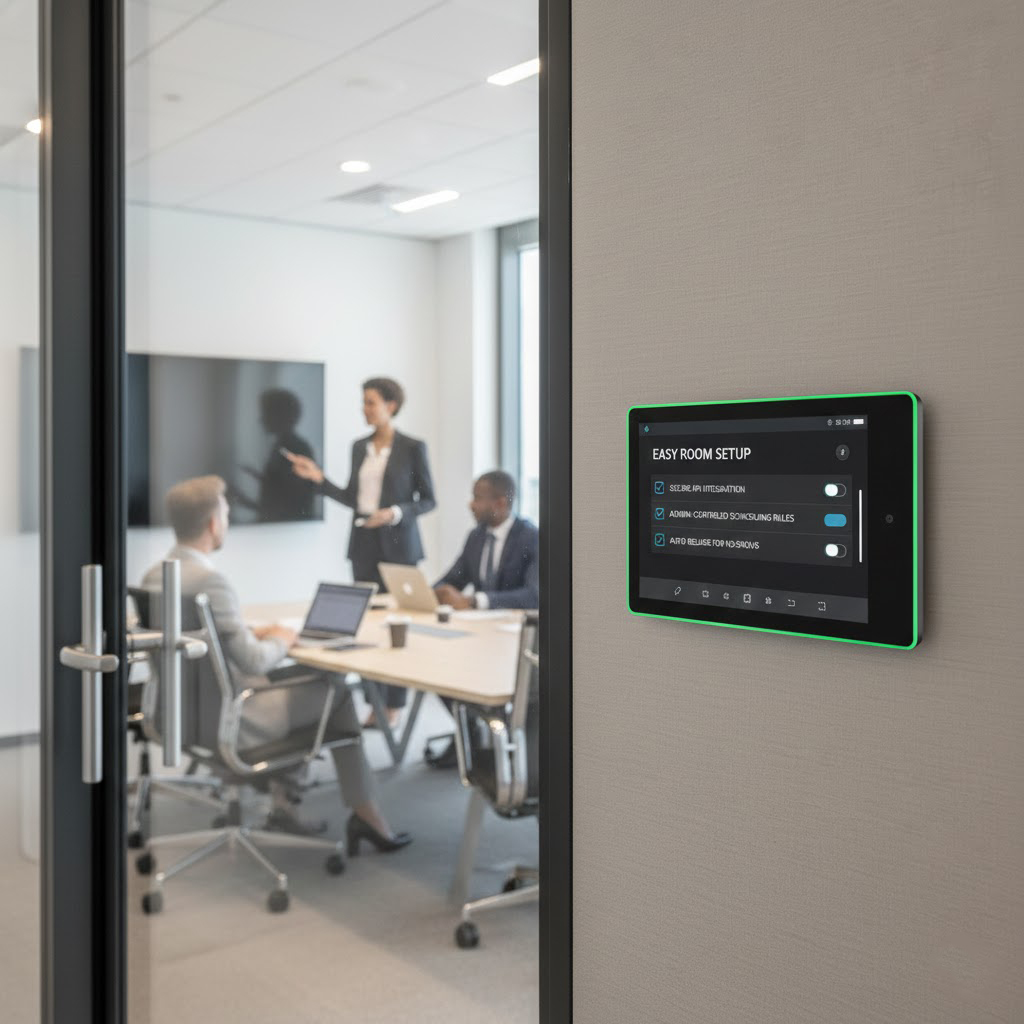
Setting up a meeting reservation display within an office typically follows a predictable configuration process:
Create a room resource (Google Workspace) or Room Mailbox (Microsoft 365)
Assign appropriate permissions for the tablet
Log in to the tablet’s meeting scheduler interface using admin credentials
Link the room calendar to the tablet
Configure booking rules, such as auto-release, buffer times, and private meeting visibility
Customize the office scheduling screen layout
Test two-way sync from both desktop applications and the tablet interface
This ensures that employees experience consistent and seamless scheduling behavior, whether they’re using a desktop or the room scheduling tablet.
Daily Usage Scenarios to Illustrate the Experience
Imagine a busy corporate office. An employee walks up to a conference room, and the digital meeting room display is glowing green, signaling availability. With a simple tap, they book the room for an immediate discussion.
Meanwhile, a team schedules a future meeting via Outlook. Seconds later, the booking appears on the room scheduling tablet outside the door.
If a no-show occurs, the room is auto-released after 10 minutes, instantly making the space available for others. Facility managers can monitor utilization rates via a centralized smart office dashboard, which tracks room usage and identifies underused spaces.
These examples show how calendar-synced room displays reduce friction and simplify daily operations in modern offices.
How Calendar-Integrated Tablets Improve Efficiency and ROI
Companies that implement calendar-integrated meeting tablets see measurable improvements:
Fewer double bookings
Higher room utilization rates
Reduced no-shows via automated meeting verification
Increased employee satisfaction due to transparency and easier booking
Lower facility management workloads
For distributed or hybrid teams, meeting reservation tablets combined with cloud-based calendars are now essential infrastructure—no longer just a luxury.
Security and Compliance Considerations for Enterprise Deployment
Since room booking involves shared resource data, modern enterprise meeting reservation solutions incorporate several key security features:
Encrypted communication channels
Role-based access control (RBAC)
Data-privacy-friendly display modes
Secure token-based login
Admin-controlled booking permissions
These features are especially important for industries such as government offices, financial institutions, and multinational corporations that must comply with stringent regulatory standards.
Future Trends: From AI Scheduling to Occupancy-Aware Workspaces
Looking ahead, smart office environments will become even more automated. Some future innovations in meeting reservation technology include:
AI-powered meeting suggestions
Predictive room availability modeling
Occupancy sensors integrated with calendar status
Voice-activated booking via smart assistants
Cross-platform scheduling integrated with IoT building systems
As these technologies emerge, meeting reservation tablets will continue to serve as a key interface, bridging the gap between digital workflows and physical meeting spaces.
The Role of Meeting Reservation Tablets in Tomorrow’s Hybrid Office
Calendar integration has become more than just a nice-to-have—it is now a core component of modern office management. By synchronizing meeting reservation tablets with Google Calendar, Outlook, or other enterprise scheduling platforms, organizations can create more efficient, reliable, and seamless workflows, supporting both in-person and remote collaboration.
As the workplace continues to evolve toward more flexible, data-driven environments, calendar-connected room scheduling displays will remain integral to enhancing office operations with clarity, transparency, and efficiency.
 Industrial Tablets: The Backbone of Smart Manufacturing