
 86 13392660243
 hope17@cnhopestar.com
 whatsapp
Smart Healthcare Case Study: Implementing Android Terminals for Hospital Self-Service Registration
 2025-12-12
 Hopestar
Many hospitals are experiencing rapid growth in patient volumes, making traditional manual registration counters increasingly insufficient. Long waiting lines, inconsistent service quality, and rising operational costs all reflect the need for hospitals to modernize their service processes. To create a smoother outpatient journey and reduce pressure on frontline staff, one hospital partnered with a system integrator to introduce an Android-based self-service registration and queueing solution.
1. Background: Enhancing Efficiency Through Hospital Digitalization
As healthcare institutions adopt more advanced digital systems, improving the patient-facing experience has become a central focus. Although backend platforms such as HIS, LIS, and EMR continue to evolve, many hospitals still rely heavily on manual processes at the registration window. This leads to several challenges:
Slow registration speed during peak hours, resulting in patient frustration.
Manual data handling, increasing the likelihood of input errors.
High labor requirements, as staff must maintain order, guide patients, and complete administrative tasks.
Limited transparency in queueing and service progress.
To address these issues and align with broader smart hospital initiatives, the hospital sought to implement a front-end digital solution that would automate routine tasks and enhance overall service efficiency.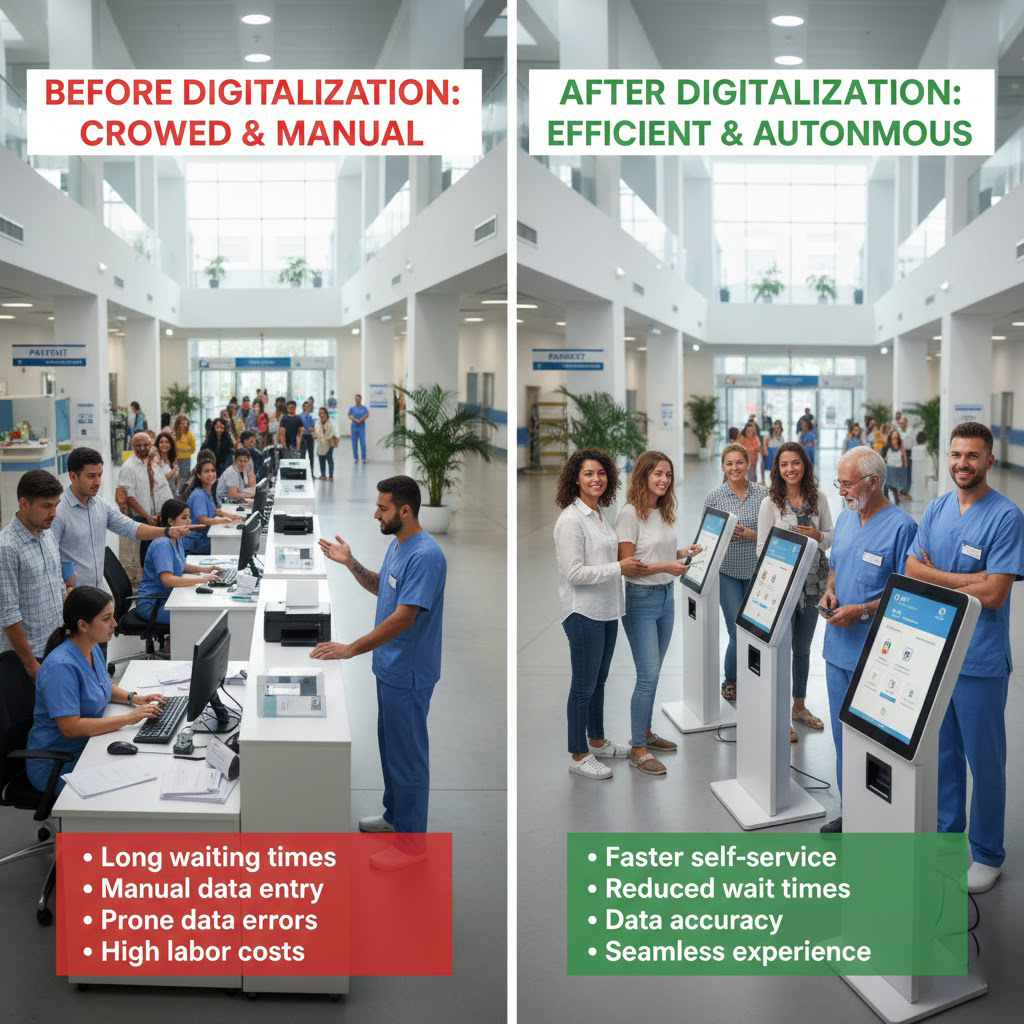
2. Solution: Android Tablets as the Core of the Self-Service System
The system integrator proposed a solution built around Android tablets, chosen for their open ecosystem, stable performance, and ease of application development. These devices served as the main interface for the hospital’s self-service platform, allowing patients to access multiple services independently.
Self-Service Registration
Patients can navigate through department options, check doctor availability, and complete registration on the tablet’s touch interface. This replaces the need to queue at the counter, especially during busy hours.
Integrated Queue Calling and Status Display
The solution connects the Android terminal to the hospital’s queue management system. Patients can clearly view their waiting number, current call status, and progress updates on the screen. Voice prompts guide patients to their designated areas, improving overall flow.
Backend System Synchronization
The terminals are integrated with the hospital’s HIS platform. Registration data, patient information, and transaction records sync automatically, ensuring consistent and accurate data throughout the system.
Simplified Device Management
Android’s remote device management capabilities allow the IT department to monitor terminal health, update software, deploy new features, and troubleshoot issues without needing to physically interact with the devices. This significantly reduces maintenance time and cost.
Scalability for Future Upgrades
The system leaves room for expansion. Features such as digital insurance verification, lab result viewing, payment services, or indoor navigation can be added easily through software updates, making the solution adaptable to future hospital needs.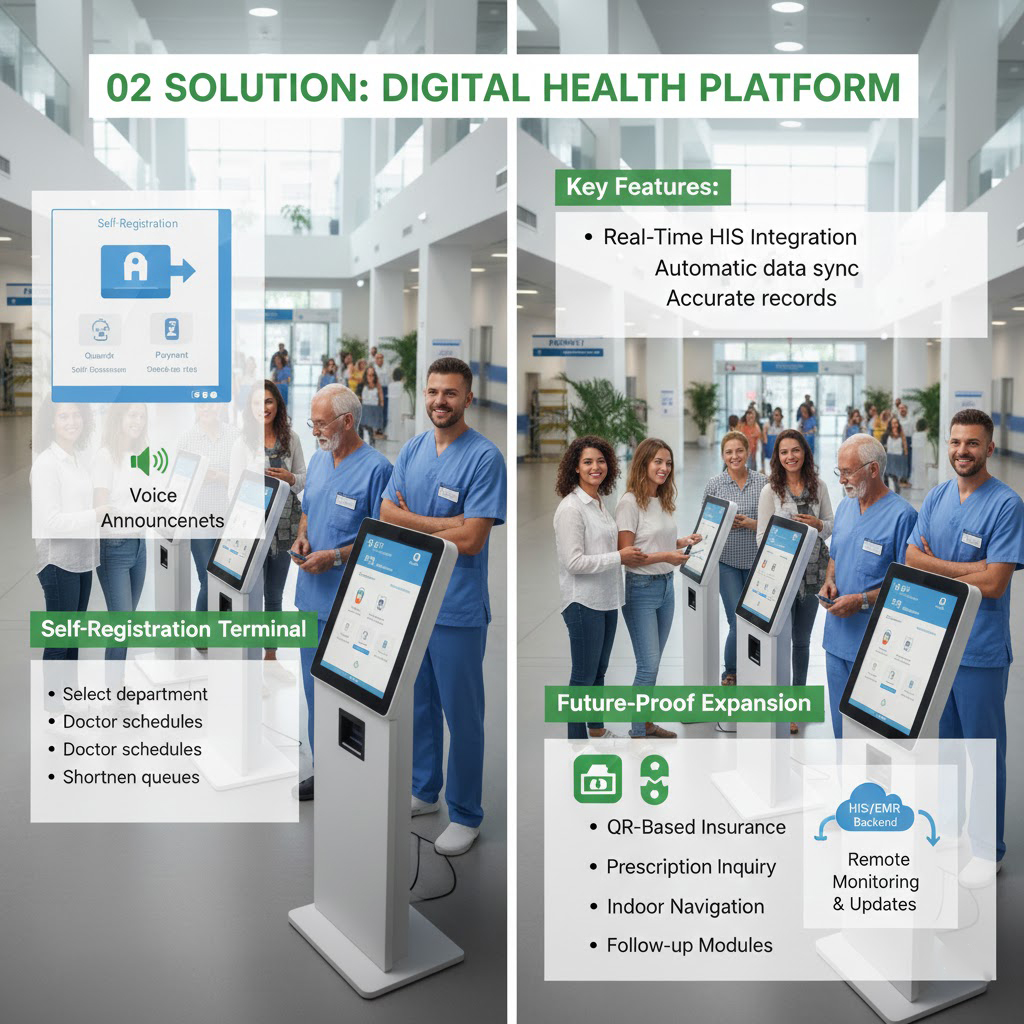
3. Outcomes: Streamlined Services, Reduced Waiting Times, and Better Patient Satisfaction
Following implementation, the hospital reported measurable improvements in its outpatient operations. One of the most significant outcomes was the reduction in patient waiting time. With self-service registration available, patient flow at traditional counters became more manageable, and the overall environment in the outpatient hall noticeably improved.
The queue management integration also contributed to a more organized and predictable process. Patients no longer rely on repeated inquiries about their turn; instead, they receive real-time updates and clear notifications through the terminals, enhancing transparency throughout their visit.
The IT department benefited from the centralized management capabilities as well. Remote monitoring and batch updates minimized manual intervention, increased device uptime, and allowed the team to respond quickly to system changes or issues. This created a more stable and reliable digital infrastructure for the hospital.
From a user experience perspective, both first-time visitors and elderly patients found the interface easy to operate. The system's intuitive design helped reduce the burden on staff, enabling them to focus on providing higher-value assistance instead of repetitive administrative tasks.
Overall, the Android-based self-service registration system has become a critical component of the hospital’s smart service framework. It not only enhances operational efficiency but also sets a foundation for expanding digital healthcare services in the future.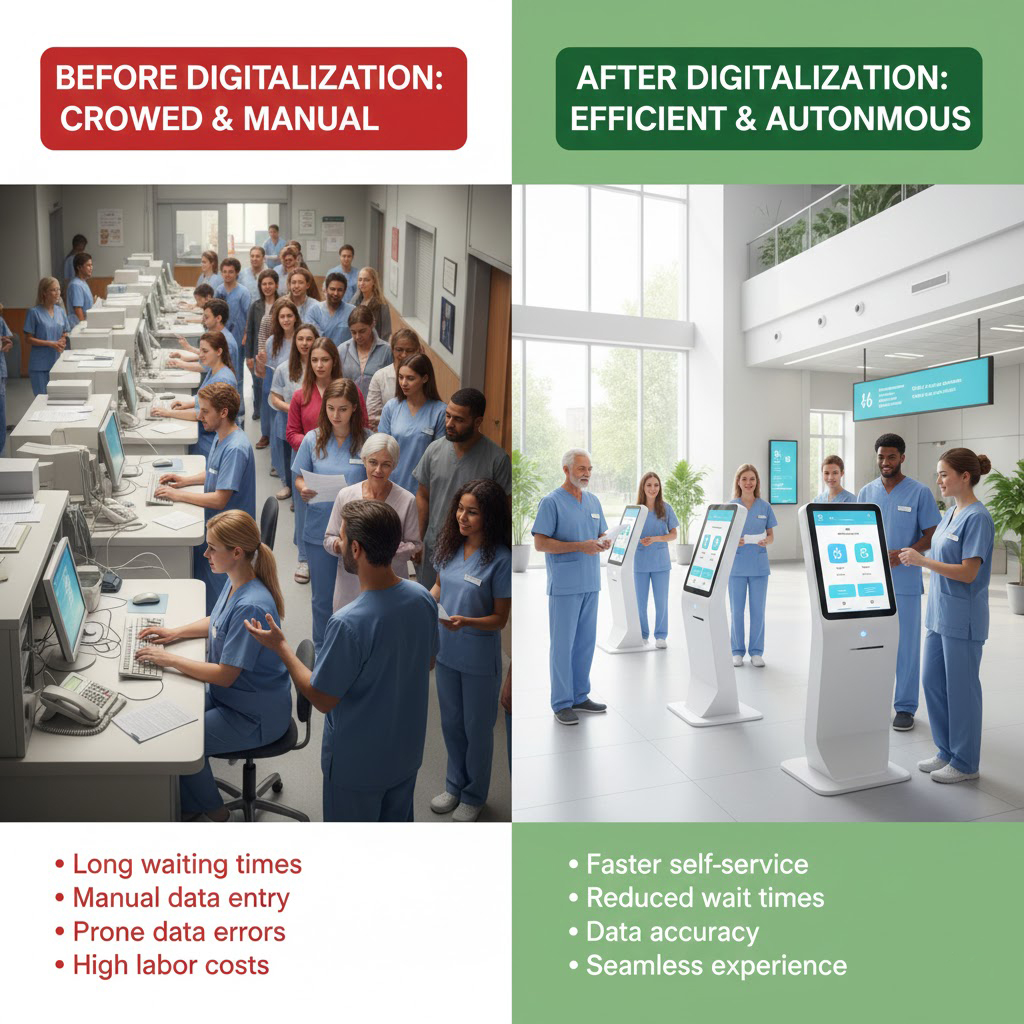
 Manufacturing Case Study: Enhancing Production Visibility with Industrial Android All-in-One Panels