
 86 13392660243
 hope17@cnhopestar.com
 whatsapp
Why Android POS Selection Matters More Than Ever in 2026
 2026-01-12
 Hopestar
As digital transformation accelerates across restaurants and hospitality, Android POS terminals are no longer just payment devices. In 2026, they act as business operation hubs, integrating ordering, payment, content display, and remote management into a single platform.
For procurement managers, system integrators, and restaurant chains, selecting the right commercial Android POS terminal is a strategic decision—impacting scalability, system stability, and long-term operating costs.
This guide explains how to select the right restaurant-focused Android POS terminal based on real-world deployment needs rather than marketing specifications.
1. Market Demand Shifts: How Android POS Use Cases Are Evolving
The role of Android POS hardware is expanding far beyond traditional checkout counters.
Key trends shaping restaurant POS demand in 2026 include:
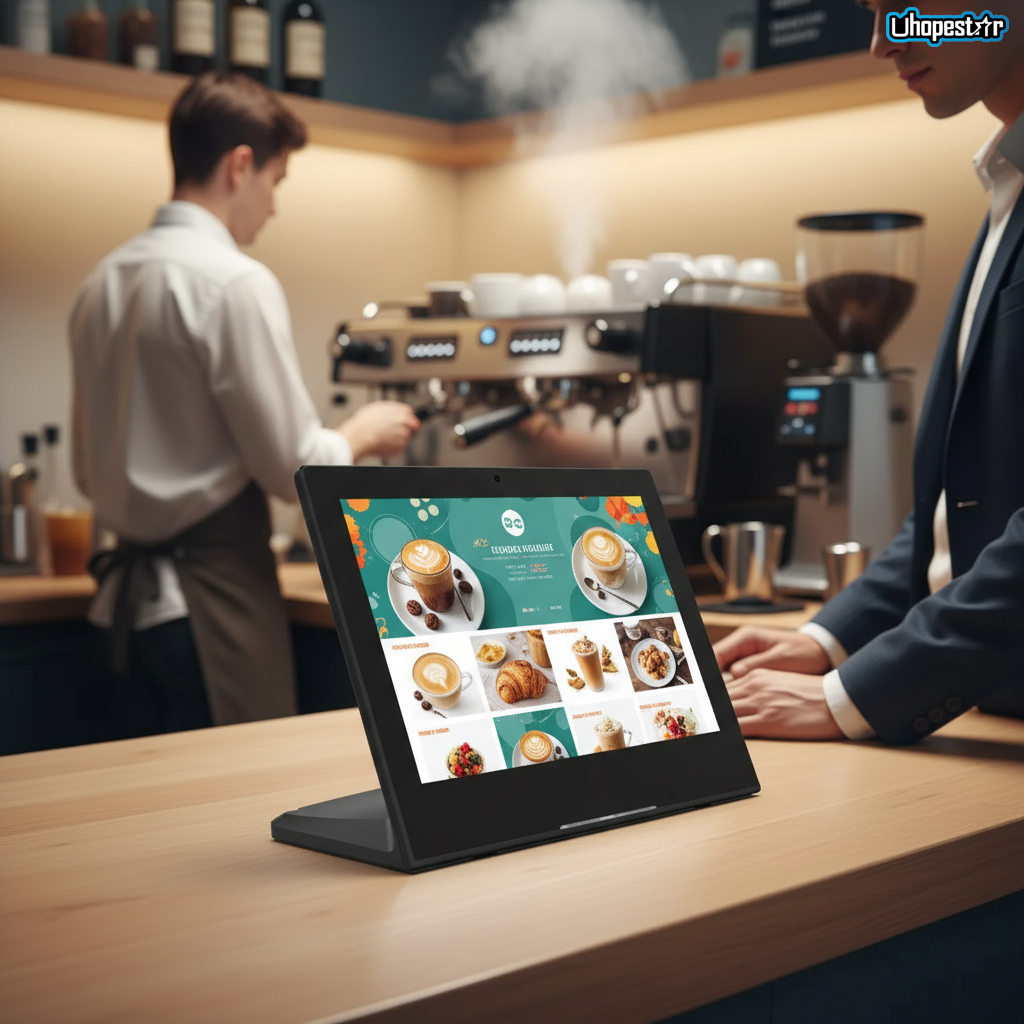
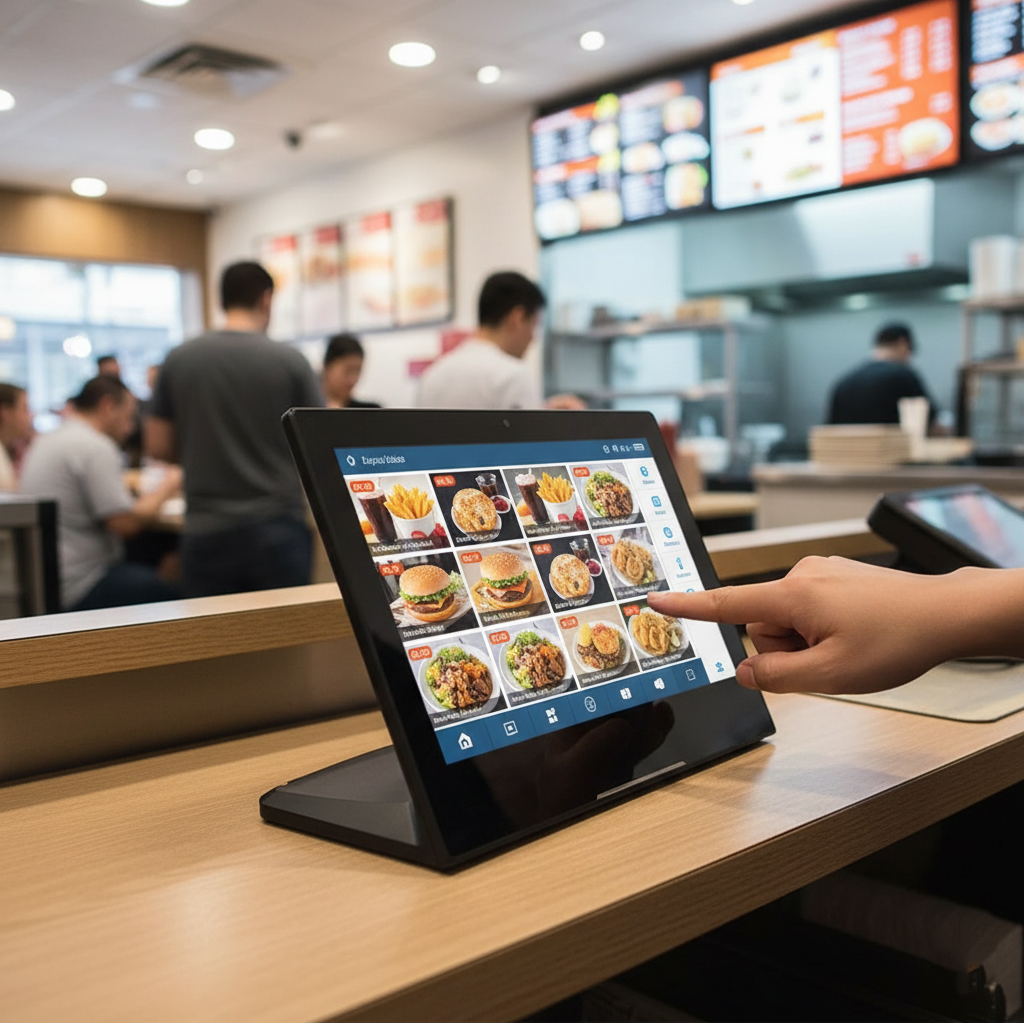
Restaurant automation: self-ordering tablets, kitchen displays, dual-screen POS machines
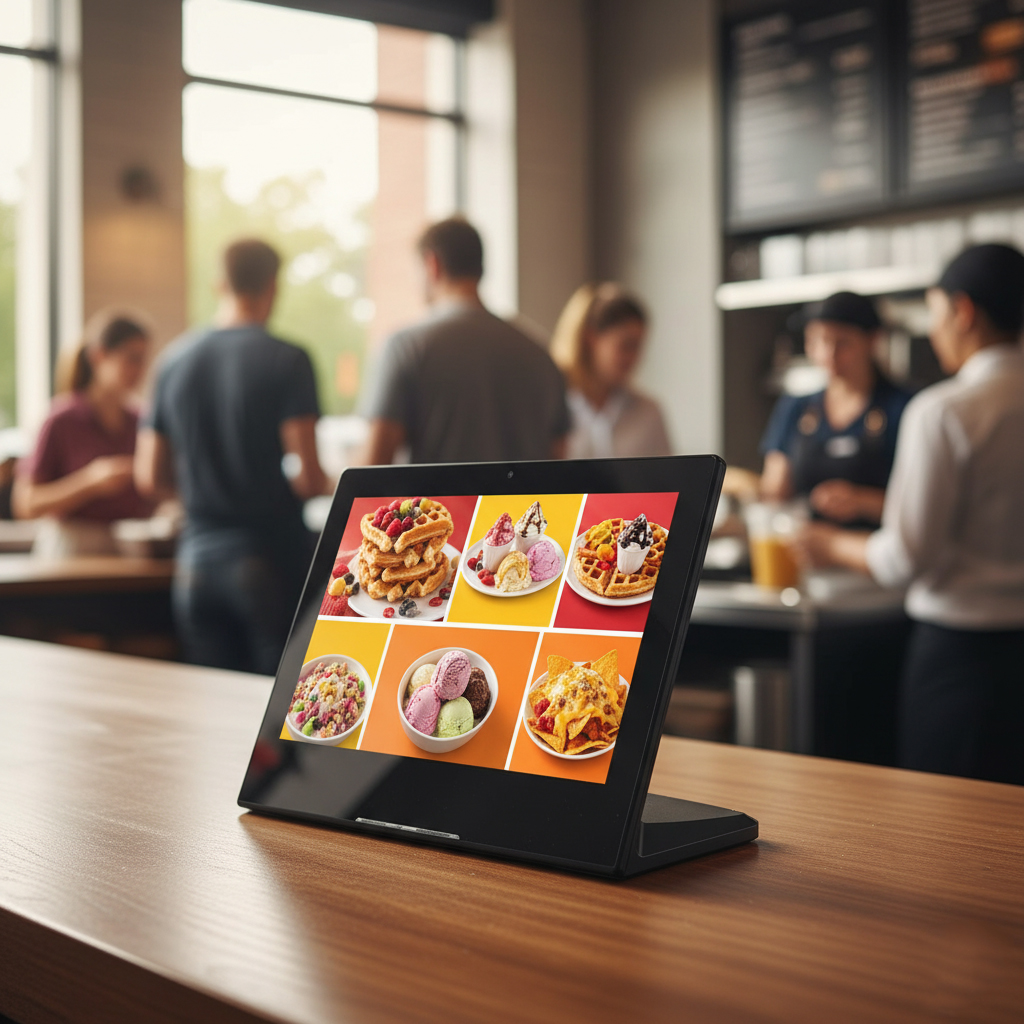
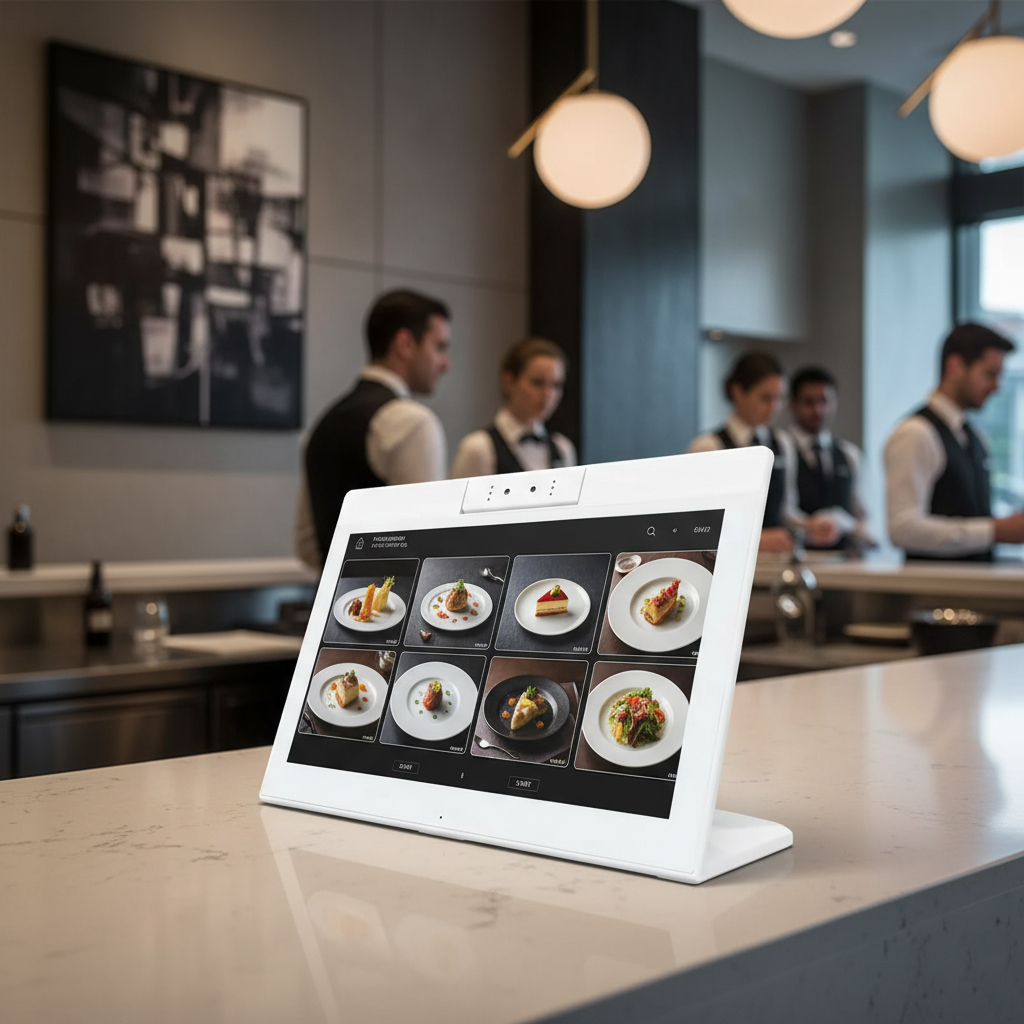
Digital menu integration: tablets that display promotions and menu items dynamically
Enterprise device management: multi-location rollout with MDM remote management
Operational flexibility: tablets used as ordering, queue management, and staff communication terminals
Restaurants increasingly prefer commercial-grade Android tablets over consumer devices, emphasizing durability, system stability, and lifecycle support.
2. Common Types of Restaurant Android POS Terminals
Before comparing specifications, it’s important to understand the main Android POS form factors used in restaurants.
All-in-One Android POS System
Combines display, computing, and I/O in a single enclosure
Commonly used at checkout counters and service desks
Dual Screen POS Machine
Features operator and customer-facing screens
Ideal for payment confirmation, promotions, and interactive ordering
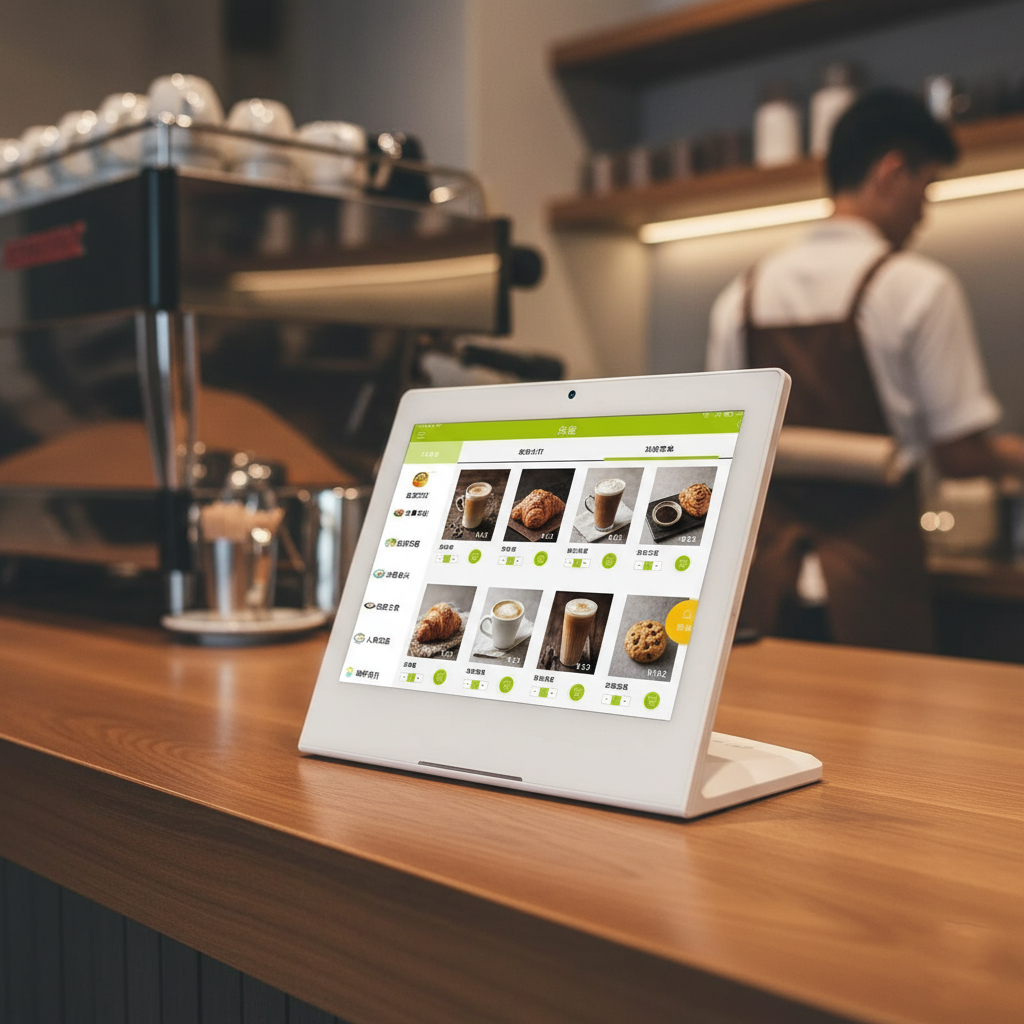
Commercial Android Tablet (POS-Ready)
Flexible touchscreen tablets for wall-mount, desktop, or kiosk deployment
Used as self-ordering tablets, digital menu displays, or customer-facing ordering panels
Rugged Android POS Devices
Built for high-traffic areas or semi-outdoor restaurant environments
Weatherproof or durable tablets ensure continuous operation
3. Core Selection Criteria: What Really Matters
CPU & Performance Stability
Instead of chasing benchmark numbers, restaurants should focus on:
ARM-based processors optimized for continuous use
Multi-core stability during peak hours
Compatibility with POS software, kiosk mode, and third-party apps
For OEM and ODM restaurant deployments, CPU choice affects system reliability and lifecycle support.
Display Quality & Touch Experience
The display is the main interaction point for staff and customers.
Key considerations:
Screen size (7”–15” common in self-ordering tablets)
Brightness and resolution suitable for indoor or semi-outdoor dining areas
Multi-touch responsiveness and long-term durability
Interfaces & Expansion
Restaurant Android POS terminals often need:
USB for printers, scanners, and card readers
Ethernet for stable network connectivity
HDMI or Type-C for external displays
GPIO / RS232 for kitchen or control integrations
Flexible I/O ensures the system adapts to evolving restaurant workflows.
MDM & Remote Management
For multi-location deployments, remote device management is essential:
Centralized app deployment and updates
Remote troubleshooting
Device lockdown in kiosk mode
Without proper MDM, managing dozens or hundreds of restaurant POS tablets becomes costly.
4. Procurement Considerations for B2B Buyers
OEM / ODM Customization
Restaurants with long-term deployment plans should evaluate whether suppliers support:
Custom housing and branding
Boot logo and UI customization
Interface configuration
Android system optimization
Partnering with an experienced OEM/ODM POS supplier ensures alignment with restaurant workflows.
Supply Chain Stability & Lifecycle Support
Unlike consumer tablets, commercial Android POS terminals require:
Stable component supply
Long-term firmware maintenance
Replacement parts availability
This is especially critical for high-traffic restaurant environments.
Compliance & Industry Adaptability
Depending on use case, devices may require:
Certifications for payment terminals
Durable housings for fast-service or casual dining
Design considerations for semi-outdoor or kitchen environments
Selecting the wrong platform can lead to costly redeployment.
5. Case Insight: How Specification Choices Affect Deployment
In a multi-location restaurant chain, a system integrator deployed commercial Android POS tablets optimized for self-ordering and dual-screen operations.
By prioritizing:
Stable CPU platforms
Long-term Android OS support
Durable touchscreens
Centralized device management
The rollout was smooth, device failure rates were minimized, and remote maintenance was simplified.
This highlights how proper specification planning directly impacts restaurant POS success, especially in bulk deployments.
Conclusion: Making the Right Android POS Decision in 2026
Choosing the right restaurant Android POS terminal in 2026 is not about chasing specs—it’s about matching hardware to business strategy, deployment scale, and long-term growth.
By understanding market trends, form factors, hardware criteria, and procurement risks, restaurant chains can reduce costs and improve operational efficiency.
Call to Action
If you are planning a new restaurant Android POS deployment or upgrading existing systems, partnering with an experienced OEM/ODM Android POS supplier ensures project success—from design to multi-location rollout and long-term support.
 Why Specifications Matter in Bulk Purchases of Wall-Mounted Android Tablets