

 86 13392660243
 hope17@cnhopestar.com


 86 13392660243
 hope17@cnhopestar.com
 whatsapp
Large Touchscreen Platform for Centralized Information Management
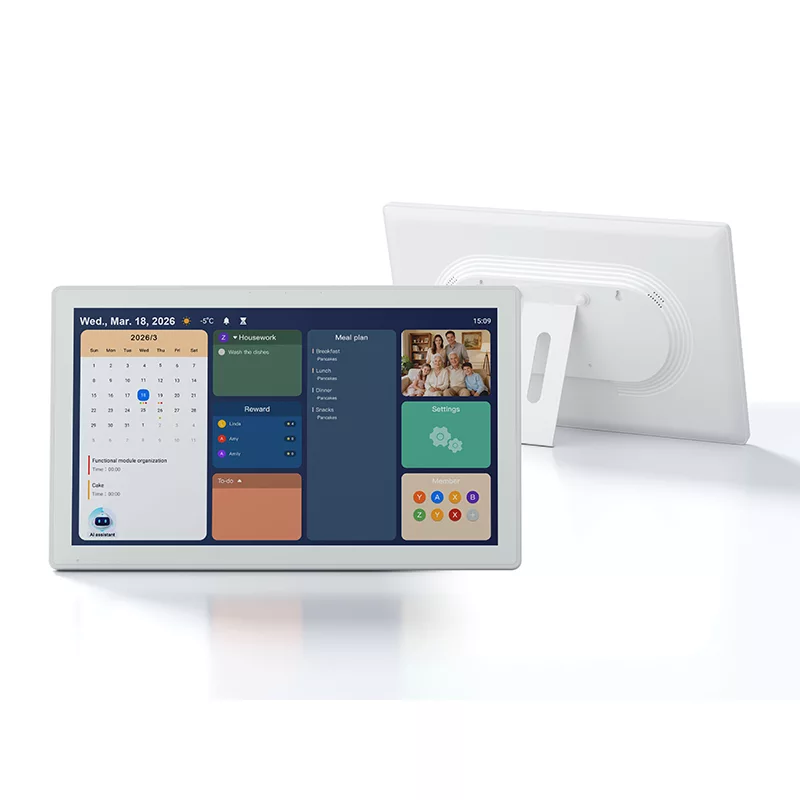
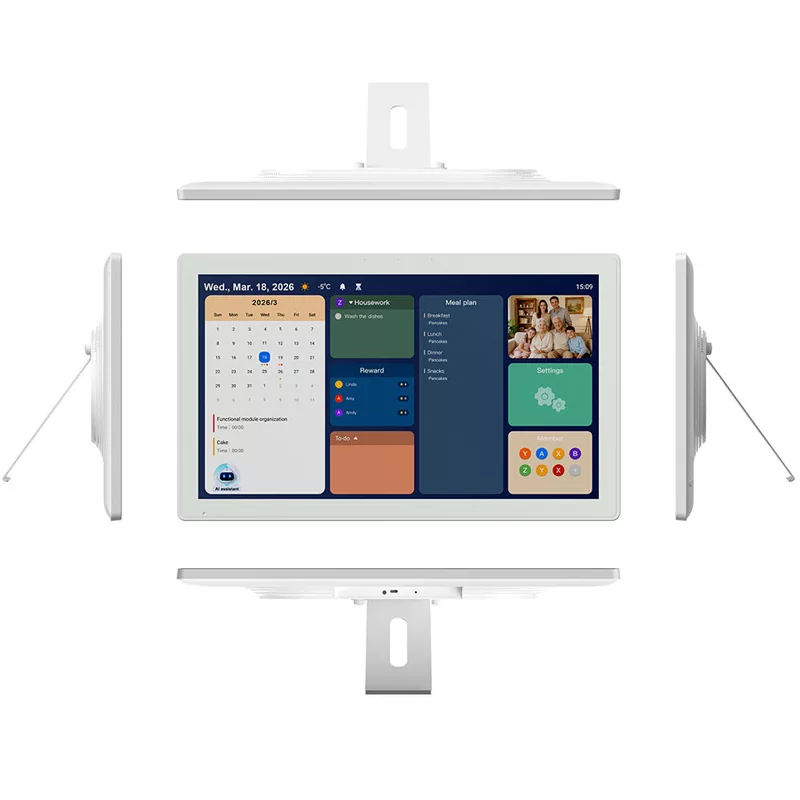
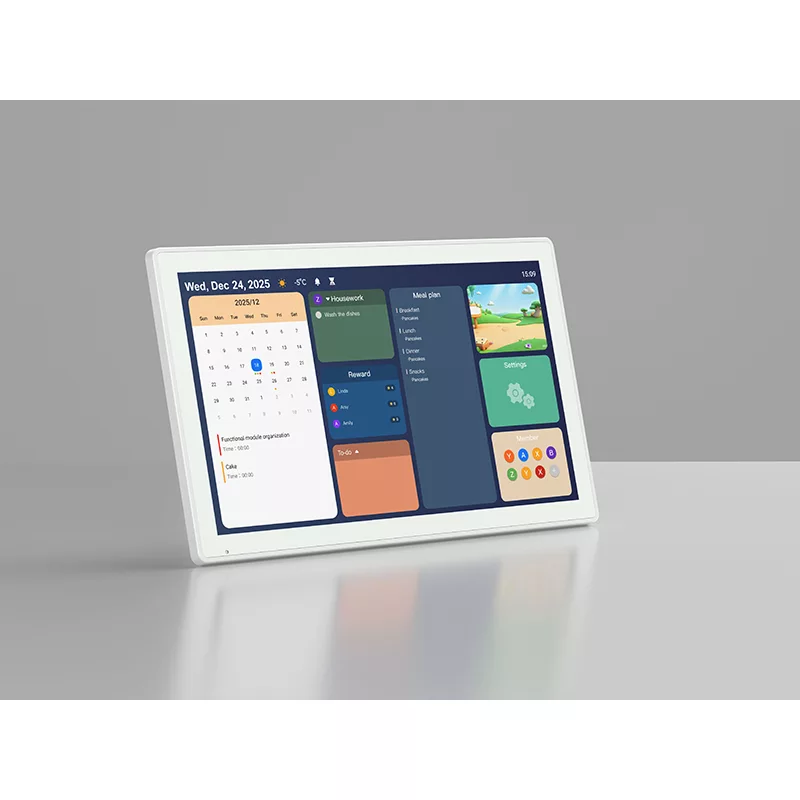
The 21.5-inch Android Digital Calendar Display provides a large interactive interface for applications requiring centralized information access and user engagement.
Compared with traditional small-screen devices, the larger display area allows users to view schedules, tasks, notifications and shared information more efficiently in business environments.
With touchscreen interaction, Android application compatibility and flexible software deployment, the display can serve as an interactive terminal for smart offices, conference spaces, commercial facilities and customized solutions.
Visual Planning Interface for Smart Scheduling Applications
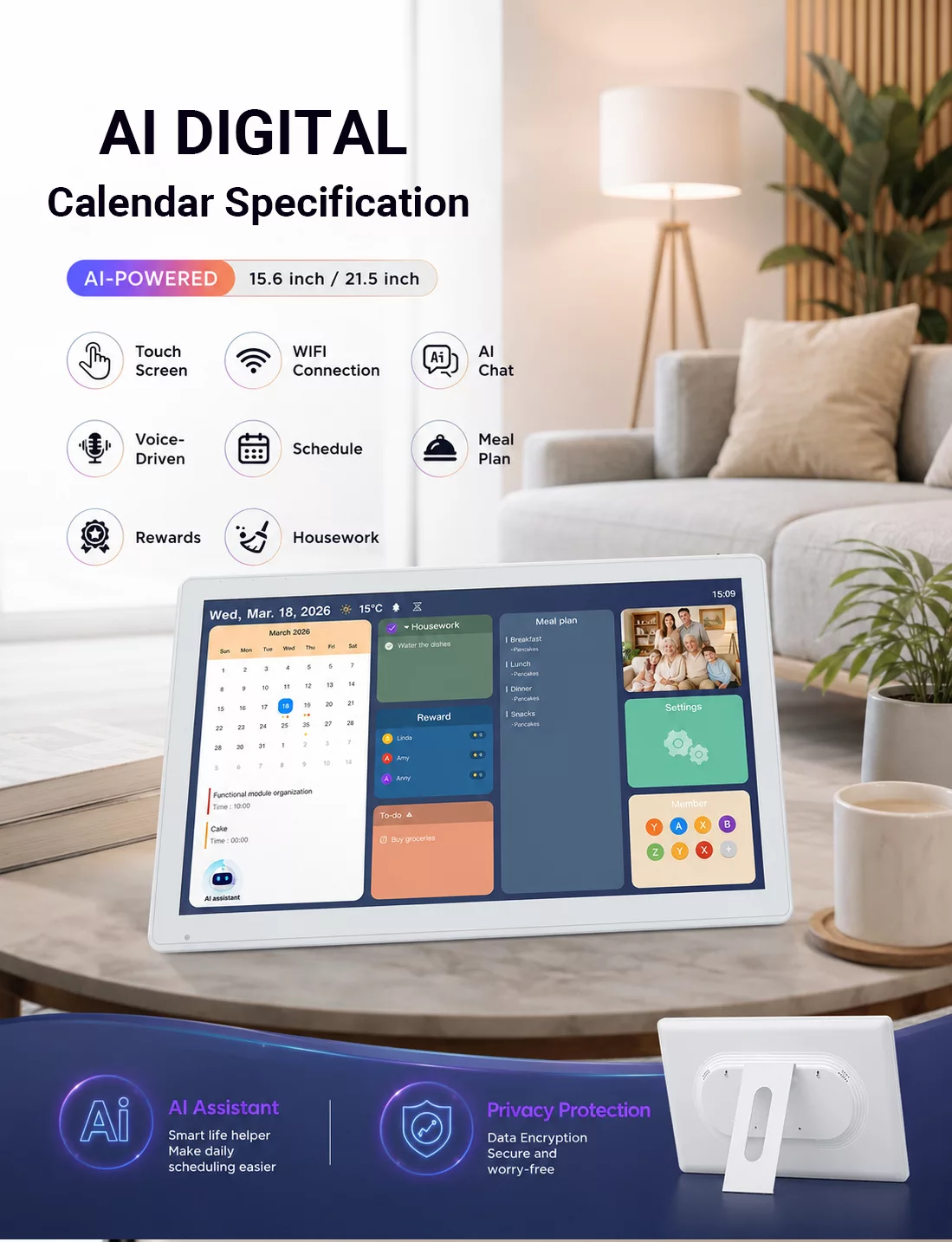
Scheduling and information management applications require clear visibility and efficient interaction, especially in shared environments.
The large touchscreen display provides sufficient space for presenting calendars, task information, planning workflows and organized content through customized applications.
For solution providers and system integrators, the Android platform enables the development of dedicated scheduling interfaces and business workflows based on specific project requirements.
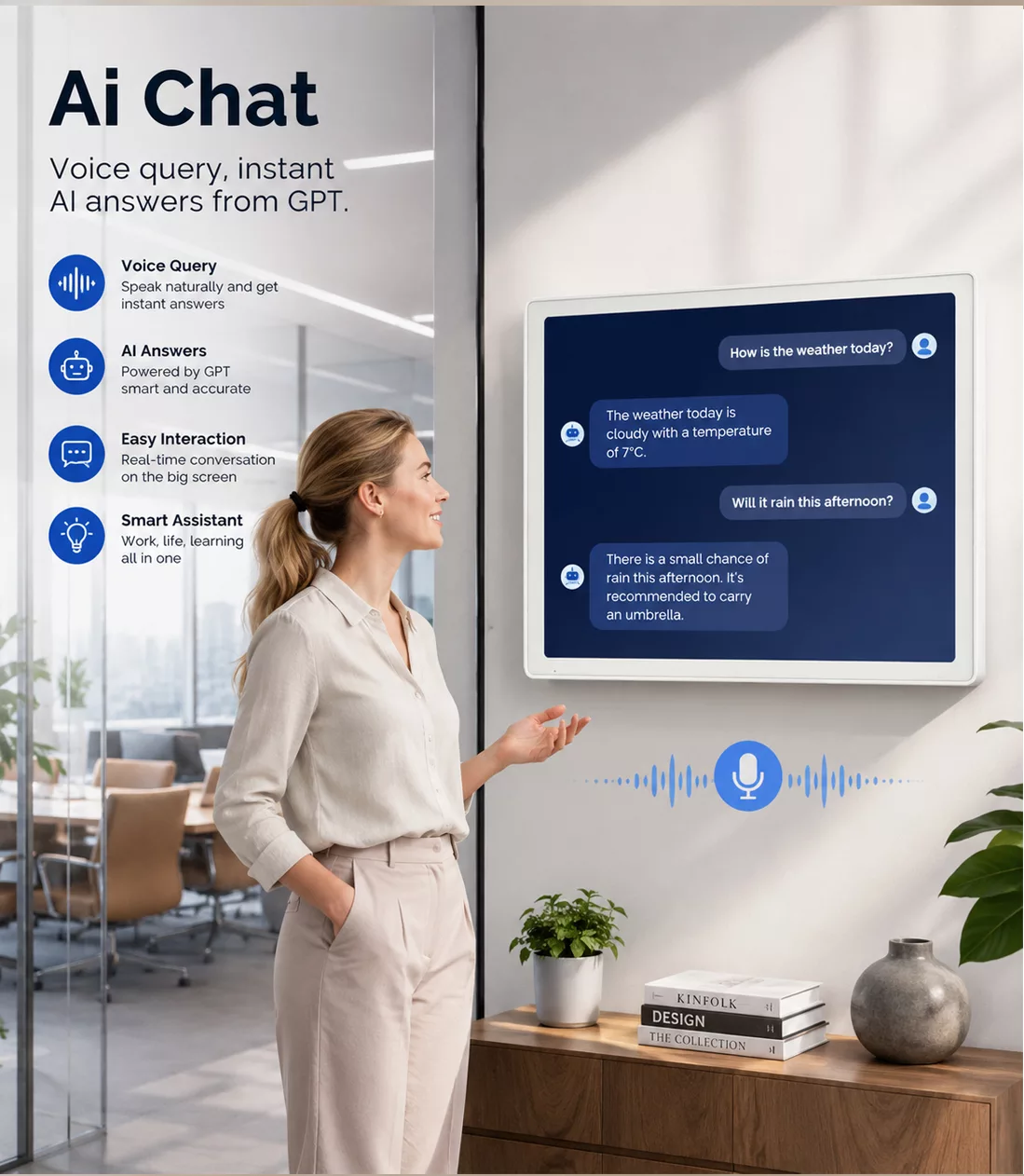
AI-Assisted Voice Interaction for Smart Terminal Solutions
The integrated microphone, speaker and voice wake-up capability provide hardware support for voice-enabled Android applications.
Combined with a large interactive display, voice functions can improve accessibility and create more natural interaction methods for smart office systems, service terminals and customized applications.
The final AI assistant, voice engine and workflow depend on the deployed software solution and customer-specific configuration.
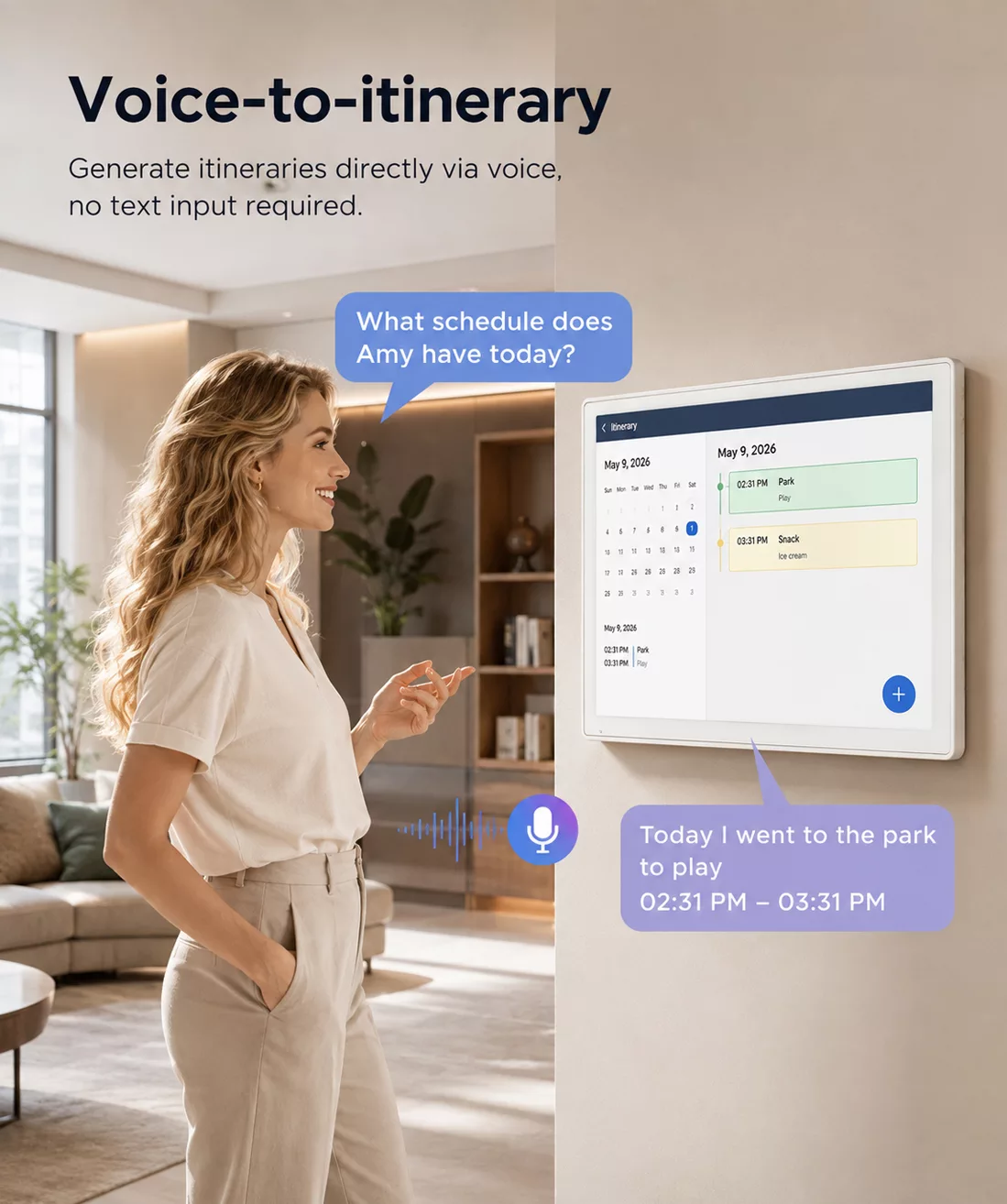
Voice-Based Schedule Creation for Efficient Information Input
Voice-based input provides an alternative interaction method for applications requiring faster information entry and hands-free operation.
By combining voice capability with calendar-based software, users can create, update and manage schedules through customized application workflows.
For commercial projects, voice scheduling functions can be adapted according to industry requirements, software architecture and integration objectives.
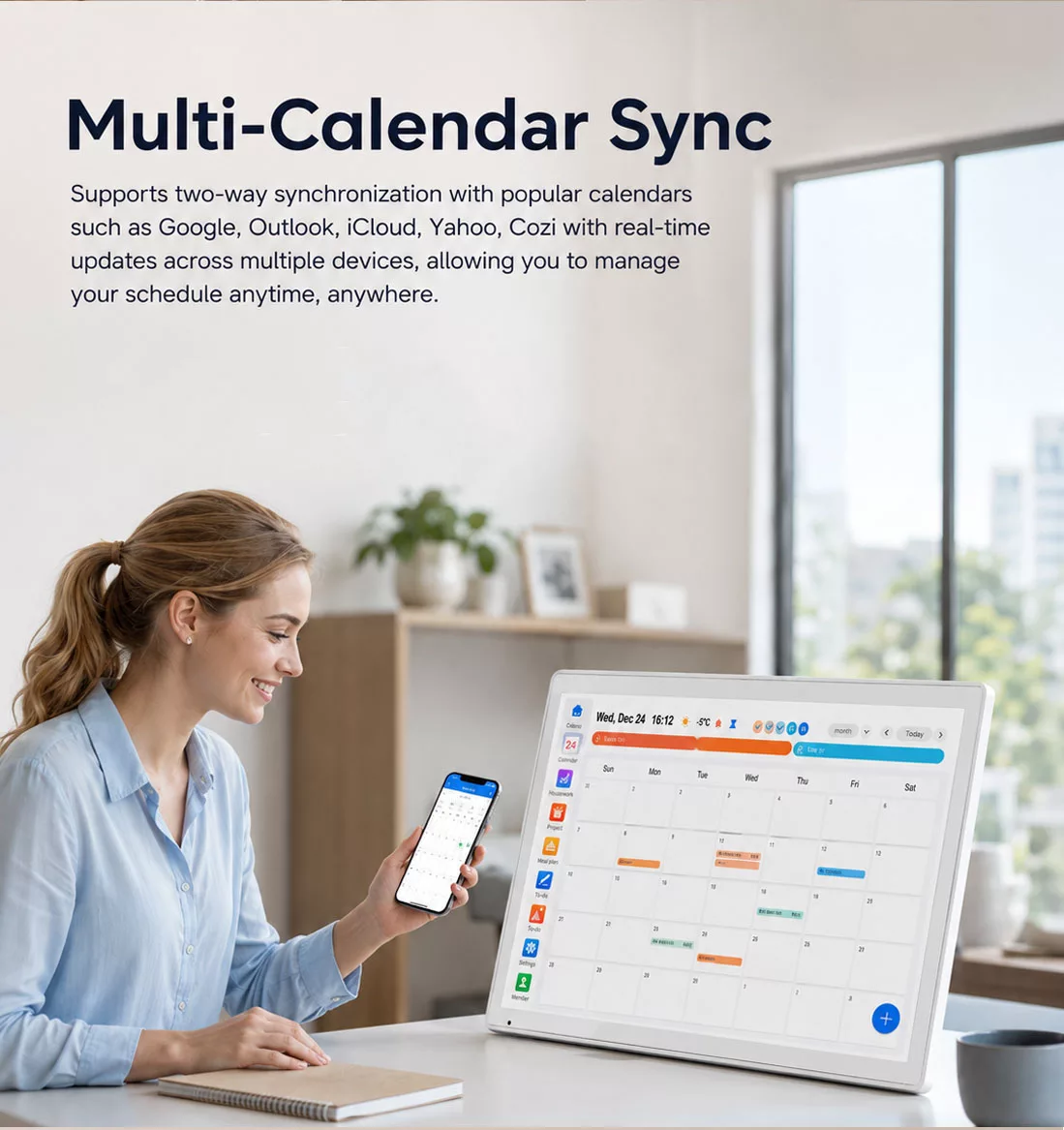
Multi-Calendar Integration for Connected Information Management
Modern organizations often manage information across multiple platforms and devices.
With Android application compatibility and network connectivity, this display provides a hardware foundation for centralized calendar management and connected information solutions.
System integrators can customize software functions to support different scheduling platforms, enterprise applications and workflow requirements.
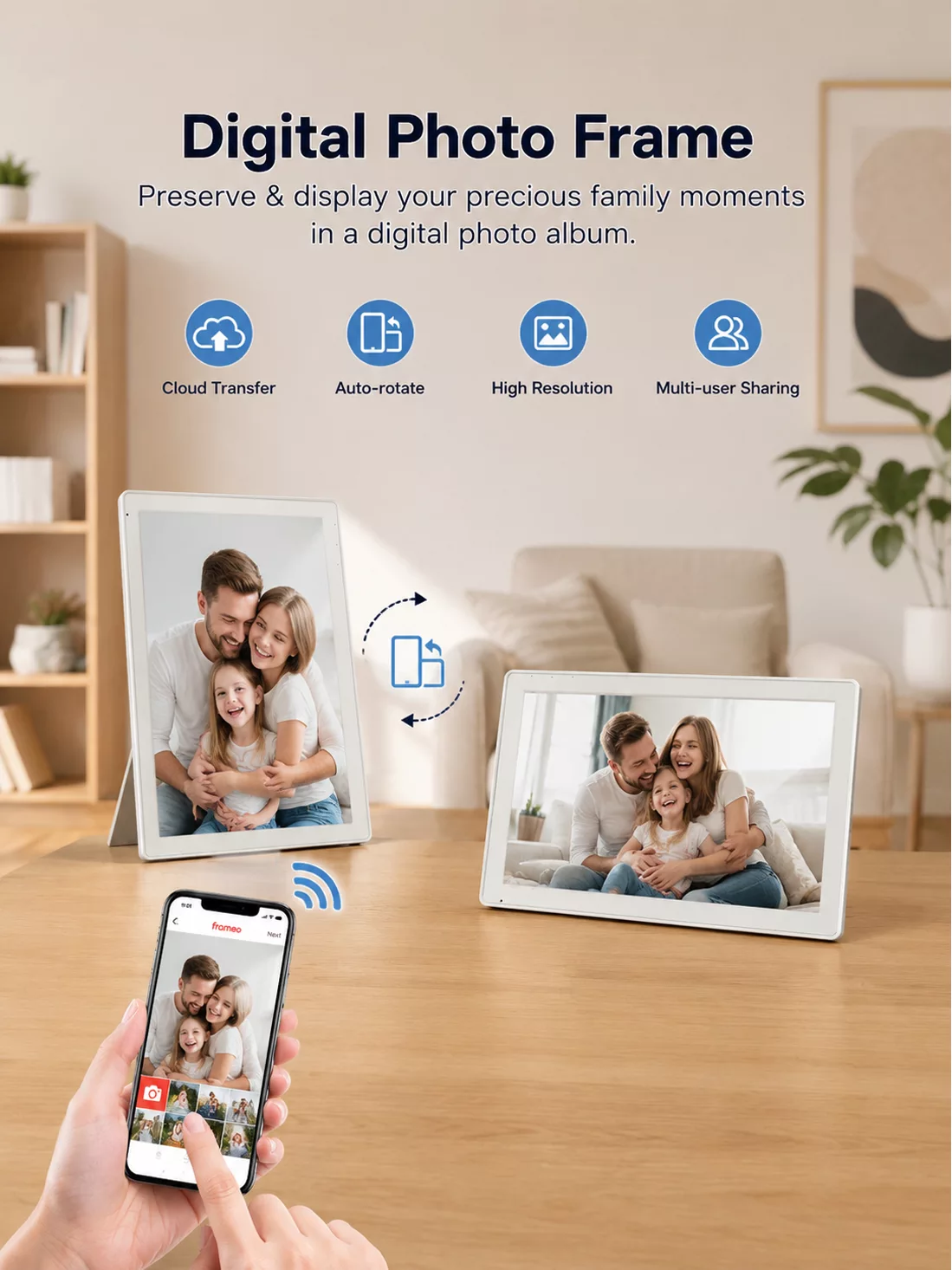
Digital Content Display with Network-Based Management
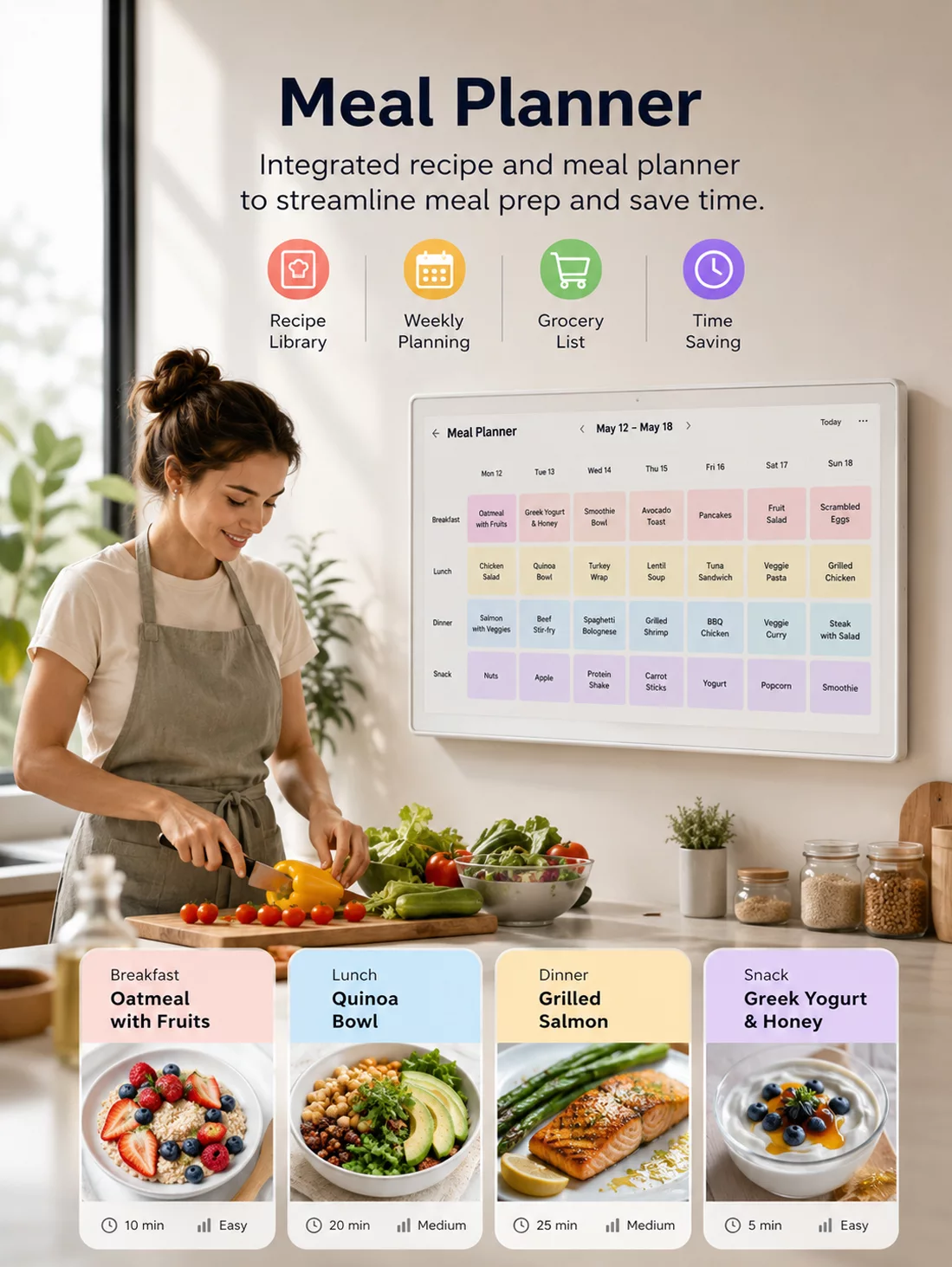
Beyond calendar functions, the 21.5-inch Android display can support digital content applications including information presentation, image display, announcements and customized visual interfaces.
The large IPS screen provides clear content visibility, while Android flexibility allows integration with different content management systems and application environments.
For commercial deployments, functions such as cloud management, remote updates and content synchronization depend on the selected software solution.
Task Management Interface for Workflow Optimization
The interactive touchscreen provides a practical platform for applications requiring task organization, progress tracking and workflow visualization.
By displaying task information and completion status through customized software, businesses can create clearer operational processes and improve information visibility.
This capability can support applications in offices, education environments, service industries and other structured workflow scenarios.
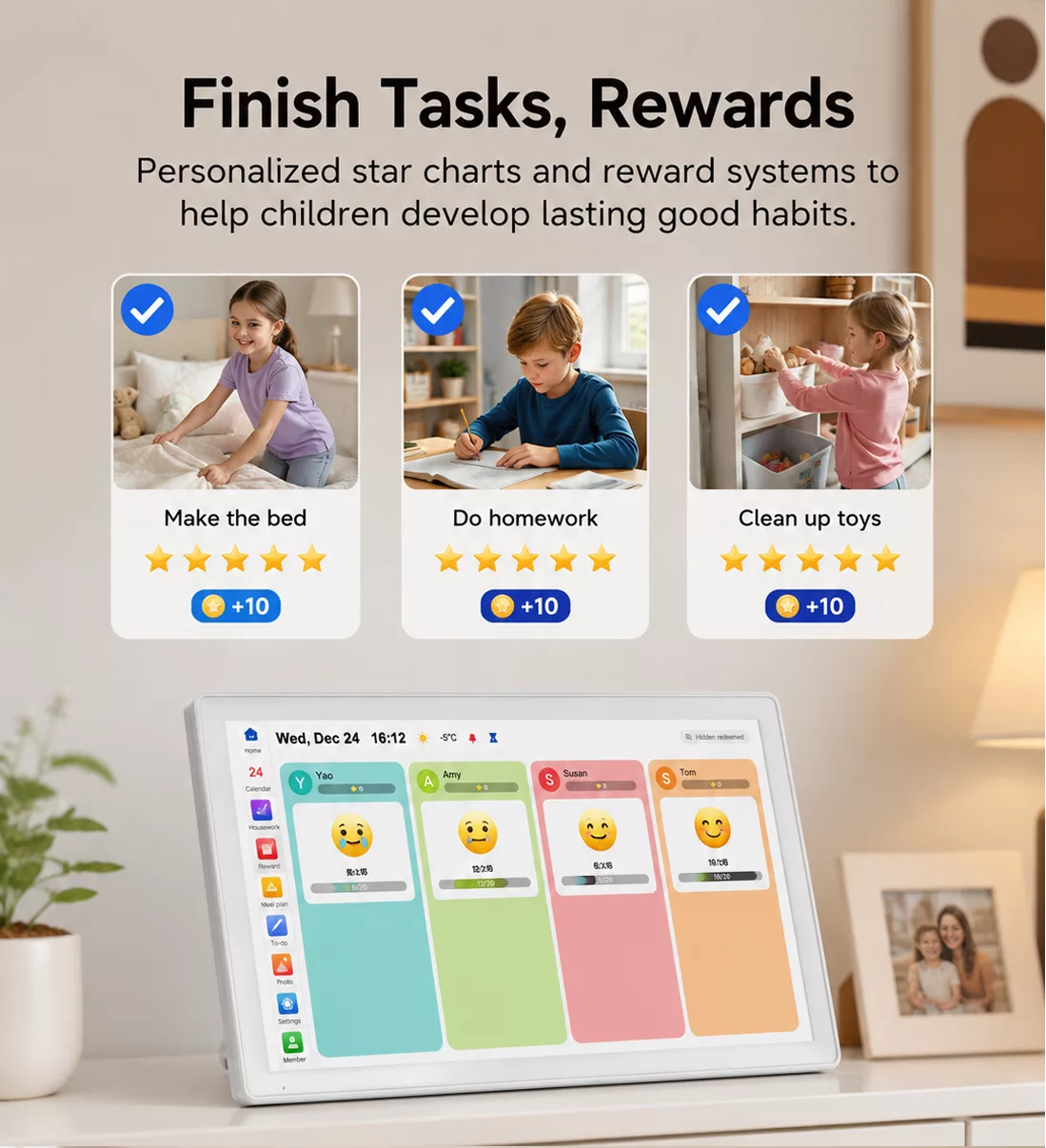
All-in-One Android Display Platform for Multiple Applications
The 21.5-inch Android Digital Calendar Display combines large-screen interaction, Android flexibility and connectivity into a scalable smart terminal platform.
Applications including scheduling systems, information displays, task management, notifications and customized interfaces can be deployed based on customer requirements.
With Android 15, MediaTek Helio G85 processor, dual-band Wi-Fi, Bluetooth 5.0, USB-C connectivity and optional expansion capabilities, the device provides a reliable hardware foundation for OEM projects and commercial applications.
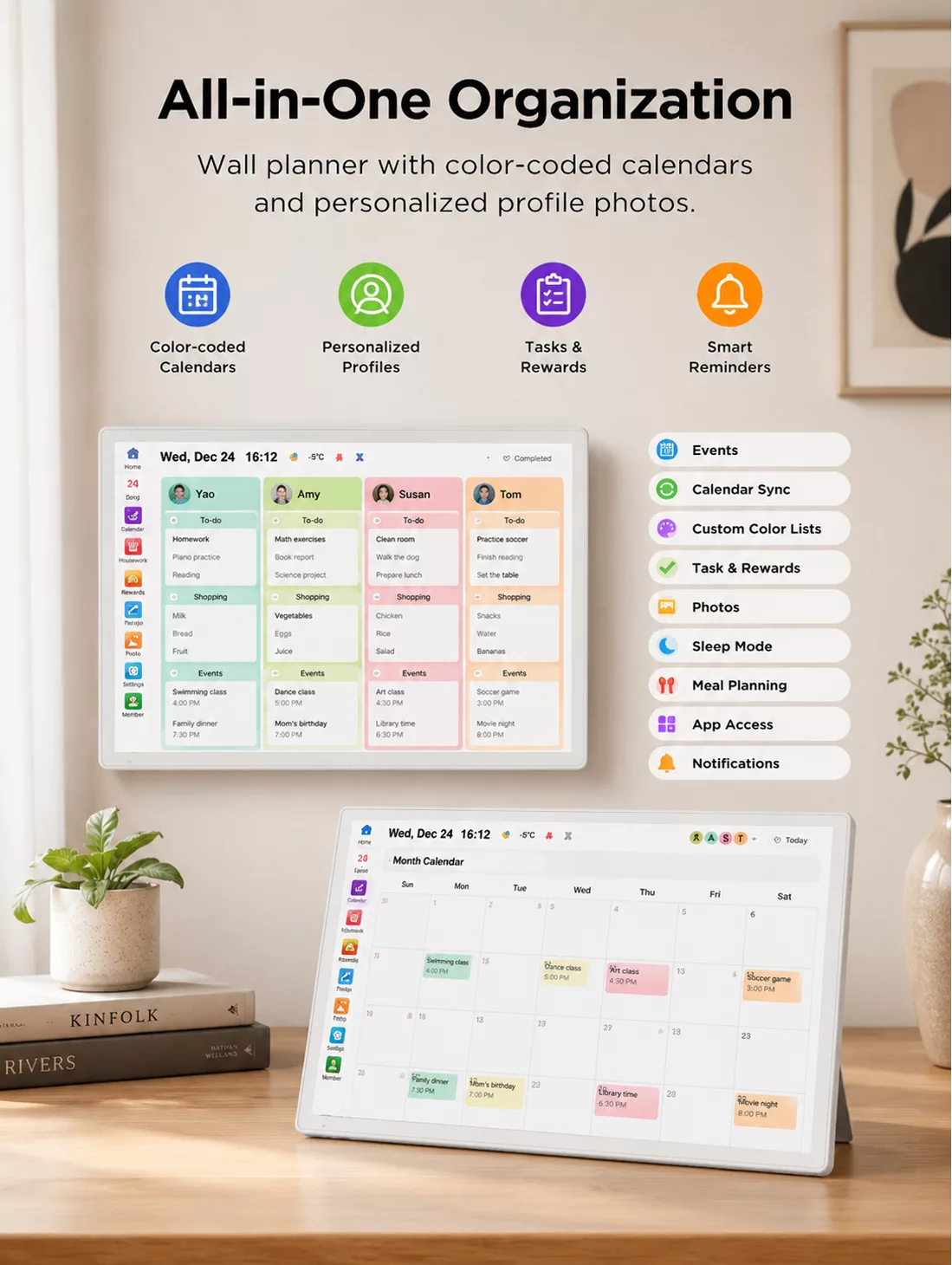
Fixed Installation Design for Long-Term Commercial Deployment
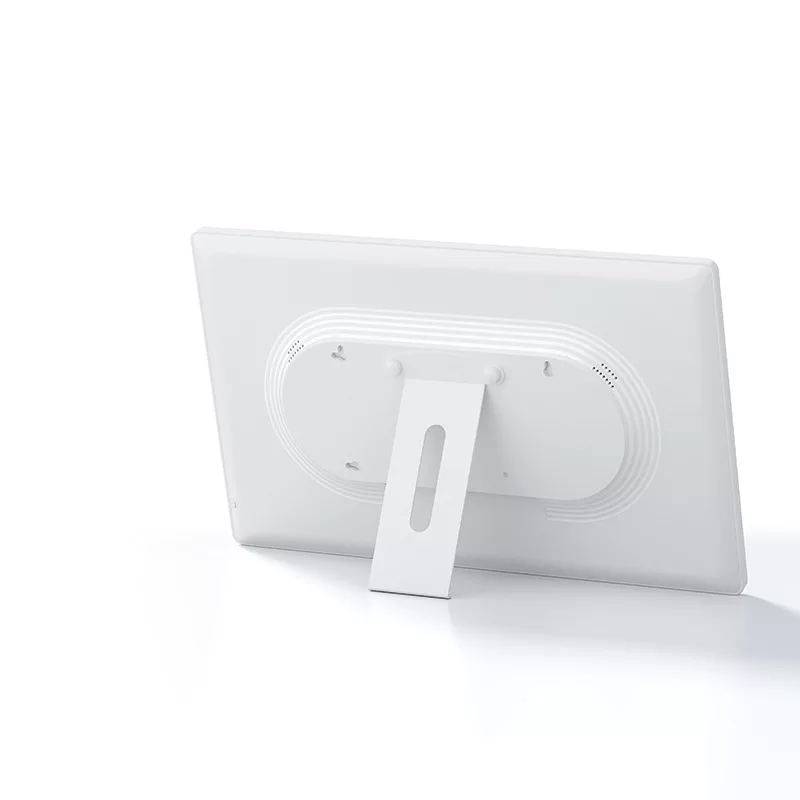
Designed with external 12V DC power input and no built-in battery, the device is optimized for fixed-position applications requiring stable continuous operation.
The 21.5-inch form factor provides a larger visual interface while maintaining practical installation flexibility for meeting rooms, offices, hospitality environments and commercial spaces.
For OEM and ODM projects, hardware configuration, software integration and application requirements can be evaluated according to specific deployment scenarios.
FAQ
What operating system and hardware platform does this Android display use?
The display runs on Android 15 and is powered by the MediaTek Helio G85 octa-core processor with 3GB RAM and 32GB storage. This hardware platform provides a reliable foundation for commercial applications, customized software deployment and Android-based interactive solutions.
What display and touch technologies are available on this product?
The device features a 21.5-inch Full HD IPS display with G+G capacitive multi-touch technology. The large screen size provides expanded viewing space, while the touch panel enables accurate interaction for meeting room systems, information displays and smart terminal applications.
What connectivity and expansion options does the device support?
The display supports dual-band Wi-Fi (2.4GHz + 5GHz), Bluetooth 5.0 and USB Type-C with OTG functionality. Optional Micro SD expansion and external peripheral support provide flexibility for different project integration requirements.
Is this product suitable for fixed commercial installation?
Yes. The device is designed for fixed-position deployment with external 12V DC power input and no built-in battery. This configuration is suitable for applications requiring continuous operation, such as meeting room displays, smart building terminals, digital calendar systems and interactive information displays.
Can the software and functions be customized for different projects?
Yes. The device supports software customization based on project requirements. The pre-installed Calendar APP demonstrates application flexibility, while OEM/ODM projects can support customized interfaces, multilingual settings, third-party applications, external input devices and industry-specific workflows.
What OEM/ODM support is available for business customers?
CnHopestar provides OEM/ODM support for distributors, system integrators, solution providers and brand owners. Customization options may include software configuration, application integration, branding requirements and project-specific hardware solutions. Bulk purchasing, technical support and deployment consultation can be provided according to project needs.