
 86 13392660243
 hope17@cnhopestar.com
 whatsapp
Smart Retail Case Study: Uhopestar Android POS Tablets Streamline Checkout for a Growing Supermarket Chain
 2025-12-12
 Hopestar
As retail companies accelerate their digital transformation, many multi-store supermarket brands are looking for more efficient ways to manage front-end checkout and unify operational standards. This case study highlights how a rapidly expanding supermarket chain adopted Uhopestar 15.6-inch Android POS tablets to improve checkout speed, simplify device management, and reduce IT maintenance costs across its stores.
1. Background: Multi-Store Operations Increasingly Hard to Manage
With the rapid addition of new locations, the customer faced several challenges in daily operations:
1. Outdated checkout hardware
Most stores still relied on traditional PC-based cash registers. These devices were slow to boot, required frequent maintenance, and often struggled during peak hours.
2. Lack of unified device standards
Different stores used different models and operating systems. This inconsistency made it difficult for the headquarters to roll out software updates or manage daily operations uniformly.
3. Heavy IT workload
The customer’s IT team had to visit multiple stores to update systems or resolve equipment issues. As the chain grew, this manual approach became unsustainable.
4. Long checkout queues impacting customer experience
During weekends and peak periods, slow transaction speed and occasional system lag caused checkout lines to grow longer, affecting store turnover and customer satisfaction.
With expansion continuing and operational pressure rising, the supermarket chain needed a more modern, flexible, and centrally managed checkout solution.
2. Solution: Deploying Uhopestar 15.6-inch Android POS Tablets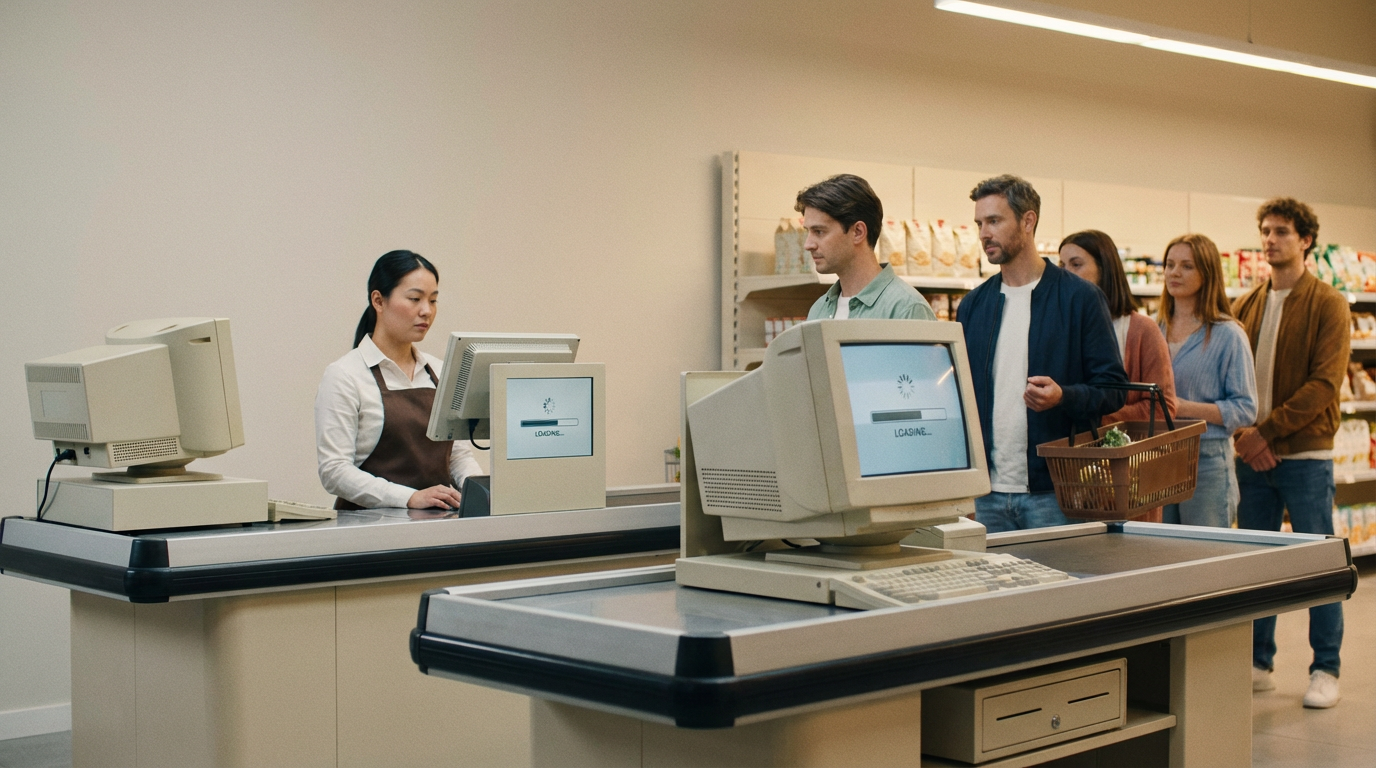
After evaluating several alternatives, the customer selected the Uhopestar 15.6-inch Android POS tablet as its new standard checkout device. The solution provided a balance of performance, durability, and ease of deployment.
Key advantages of the solution:
1. Lightweight POS design for quick rollout
The Android-based system allowed stores to deploy and activate devices within hours. This agility greatly reduced the time needed for new store openings.
2. Smooth and responsive user experience
The 15.6-inch full-laminated touch screen offered fast response speed, allowing cashiers to complete transactions more efficiently, especially during peak hours.
3. Compatibility with existing retail peripherals
The tablet seamlessly connected with barcode scanners, receipt printers, payment devices, and cash drawers. This made it easy to integrate with the customer’s existing checkout workflow.
4. Centralized cloud management
Headquarters could remotely manage:
Software updates
Price list synchronization
Device status checks
Batch configuration changes
This eliminated the need for repeated on-site visits.
5. Durable build for long-hour operation
The device’s industrial-grade motherboard, stable heat dissipation, and reinforced housing ensured reliable performance throughout long daily operating hours.
3. Deployment Process: Smooth Integration Across Stores
Deployment was completed in a short period thanks to the streamlined installation process.
Phase 1: Pilot Test
Five stores were selected to test compatibility and workflow. The customer quickly confirmed:
Faster system startup
Smoother checkout interaction
Reduced cashier training time
Lower device failure rates
Phase 2: Full Rollout
More than 50 stores upgraded within one month. Most installations were completed in 1–2 hours without interrupting business operations.
Phase 3: Central Management Activation
All devices connected to the headquarters’ cloud system, allowing remote updates and real-time device monitoring.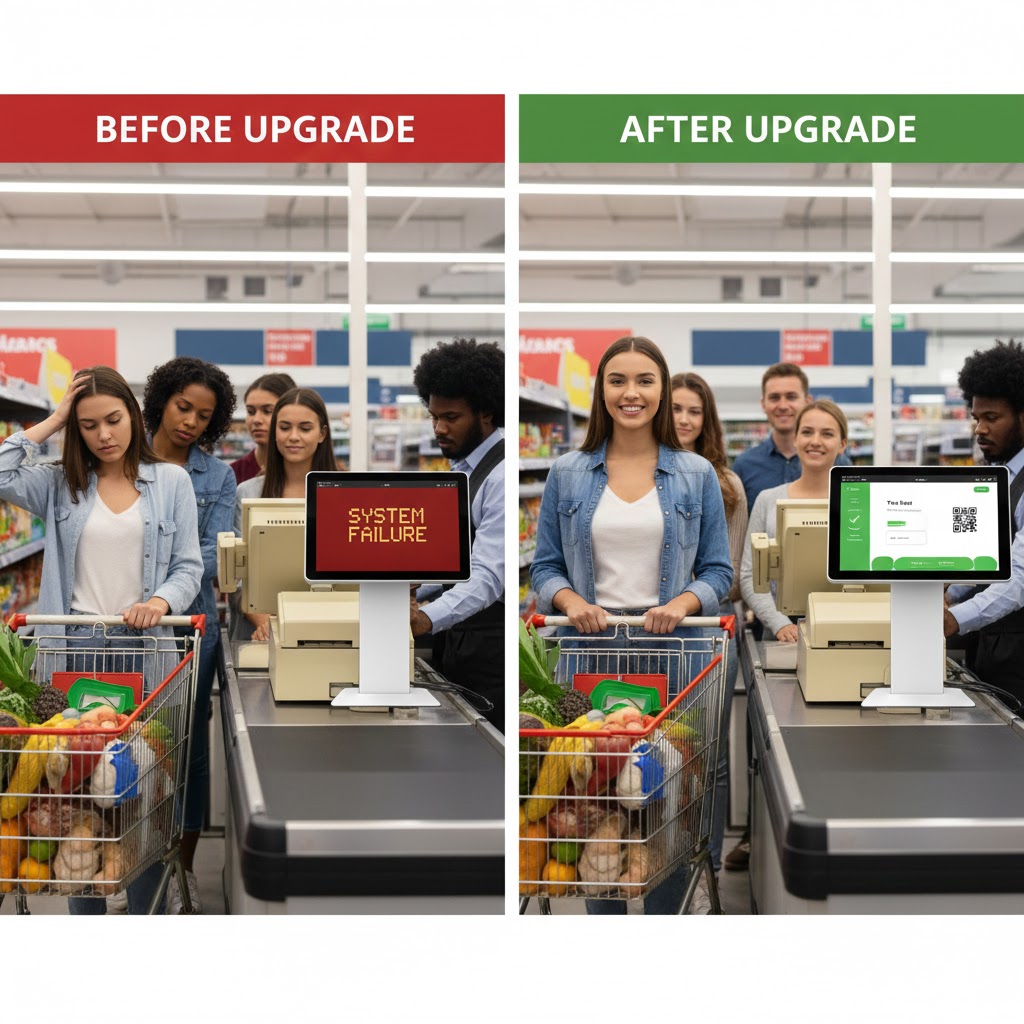
4. Results: Faster Checkout and Lower Maintenance Costs
1. Checkout speed improved by around 30%
Cashiers completed each transaction more quickly, reducing waiting lines during peak periods. Customer satisfaction and store efficiency improved significantly.
2. IT maintenance workload decreased
Centralized updates replaced manual store visits. The IT team reported that daily management became easier, with fewer device-related complaints.
3. Standardized checkout process across all stores
All stores now operate under the same software interface and payment workflow, improving consistency and reducing training time for staff.
4. Ready for future digital expansion
With an Android-based architecture, the customer can easily add:
Membership apps
Self-checkout stations
Digital promotion tools
Store operation dashboards
The POS tablet became the foundation for future upgrades.
5. Customer Feedback
The customer’s IT manager shared:
“The Uhopestar POS tablets helped us unify our checkout workflow and significantly reduce our maintenance workload. The improvement in speed and stability is immediately noticeable to both staff and customers.”
6. Conclusion
By adopting Uhopestar 15.6-inch Android POS tablets, the supermarket chain successfully modernized its checkout system and built a more scalable operational model.
The upgrade enabled the brand to improve efficiency, reduce IT costs, and create a more consistent experience across all branches.
This case demonstrates how modern Android POS solutions can help retailers move toward a smarter, faster, and more efficient retail ecosystem—especially for multi-store chains seeking standardized and future-ready operations.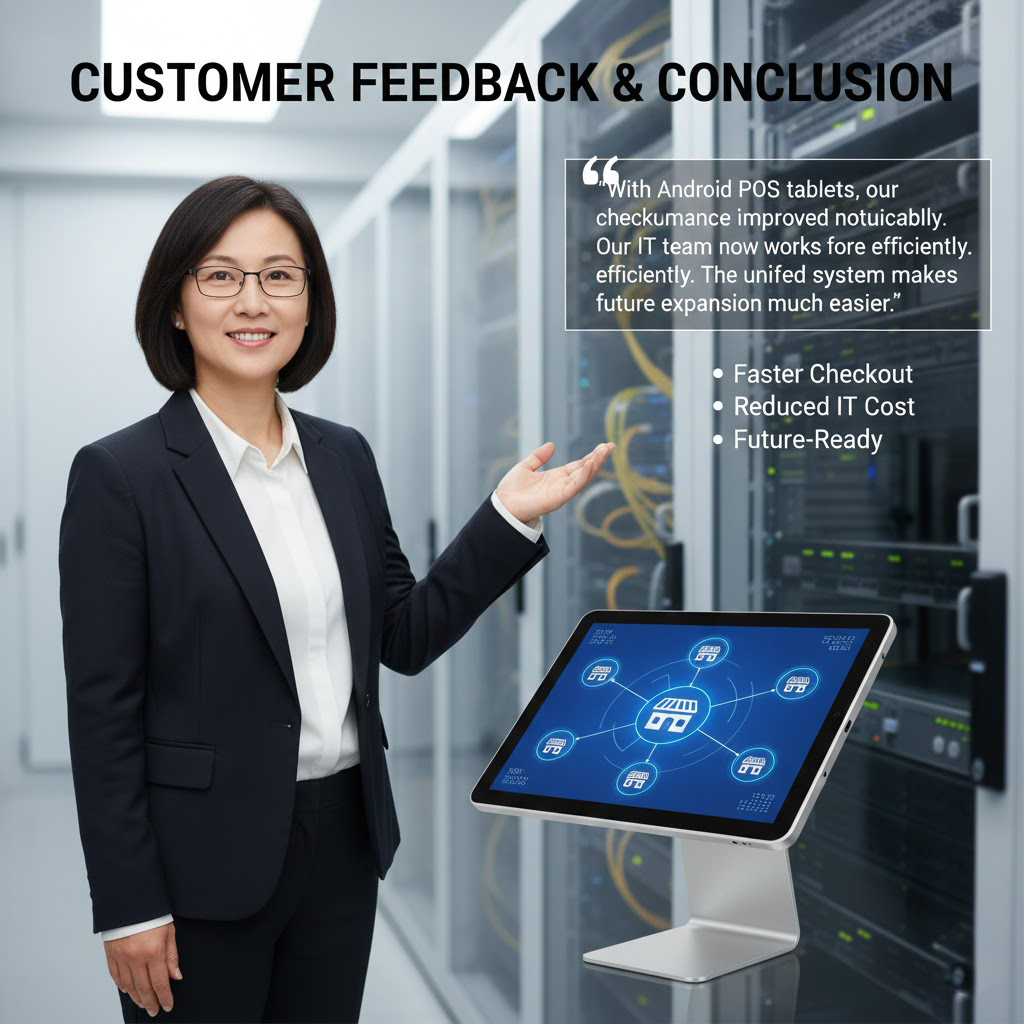
 From a Single Device to Global Deployment — How a Vision for Smart Healthcare Displays Took Shape